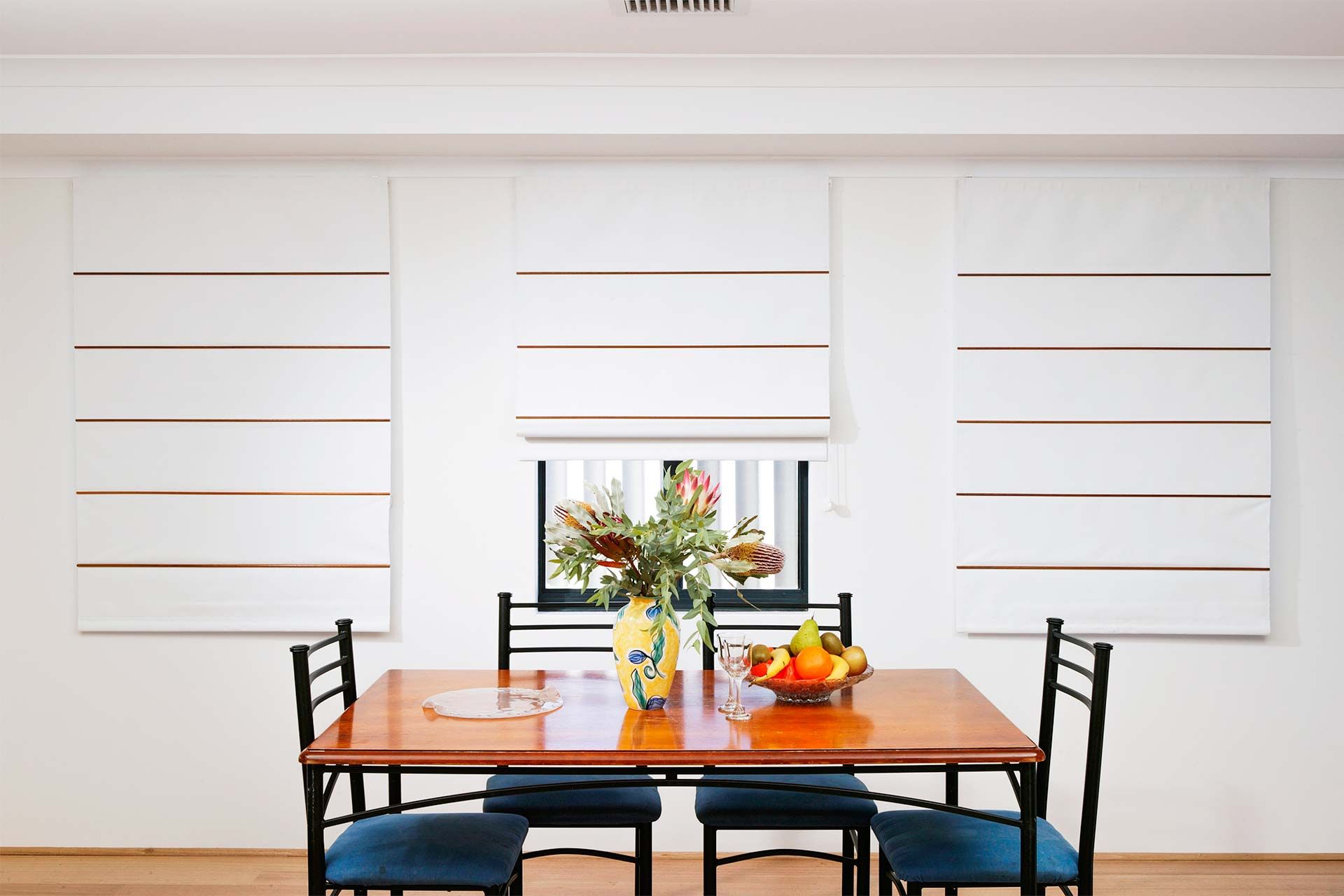
How to install chain control roman blinds
Follow these instructions to learn how to install your new How to install chain control roman blinds. Installing roman blinds couldn’t be simpler. Just follow the guides below and contact the Curtain World service team if you have any problems.
Some things to note:
(i) OUTSIDE Mount: as per size ordered.
(ii) INSIDE Mount: width less 10mm, drop less 20mm
1. Position your blind
As per your order, determine the correct fitting location.
Roman blinds can sot inside the window frame or on the window frame or wall.
2. Install your brackets
Fix your brackets directly to the mounting surface, spaced evenly. Make sure all brackets are in a straight line so the track will attach easily.
Fix your brackets directly to the architrave or wall, spaced evenly. Make sure all brackets are level. The brackets should not be installed on the very end of the track.
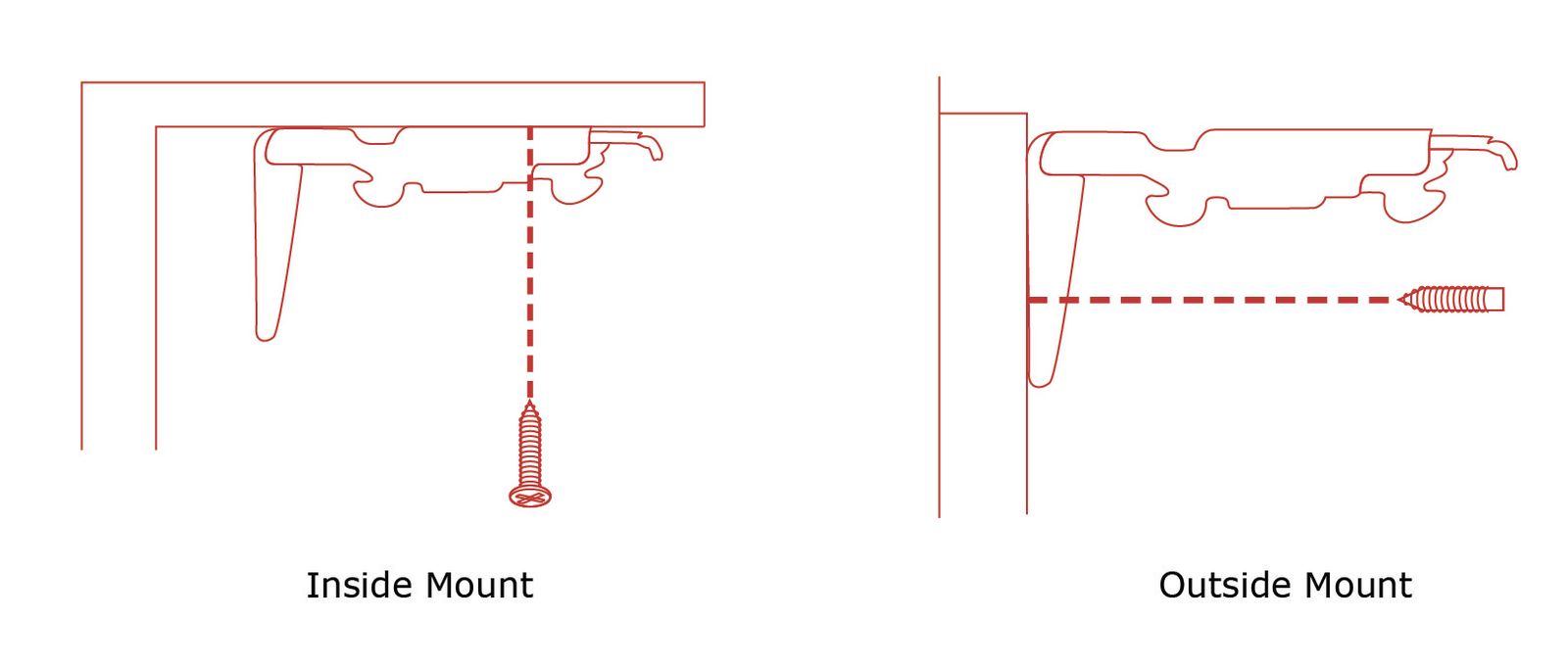
Mount the bracket using the provided screws using pre-drilled holes if required.
3. Attach the blind to the brackets
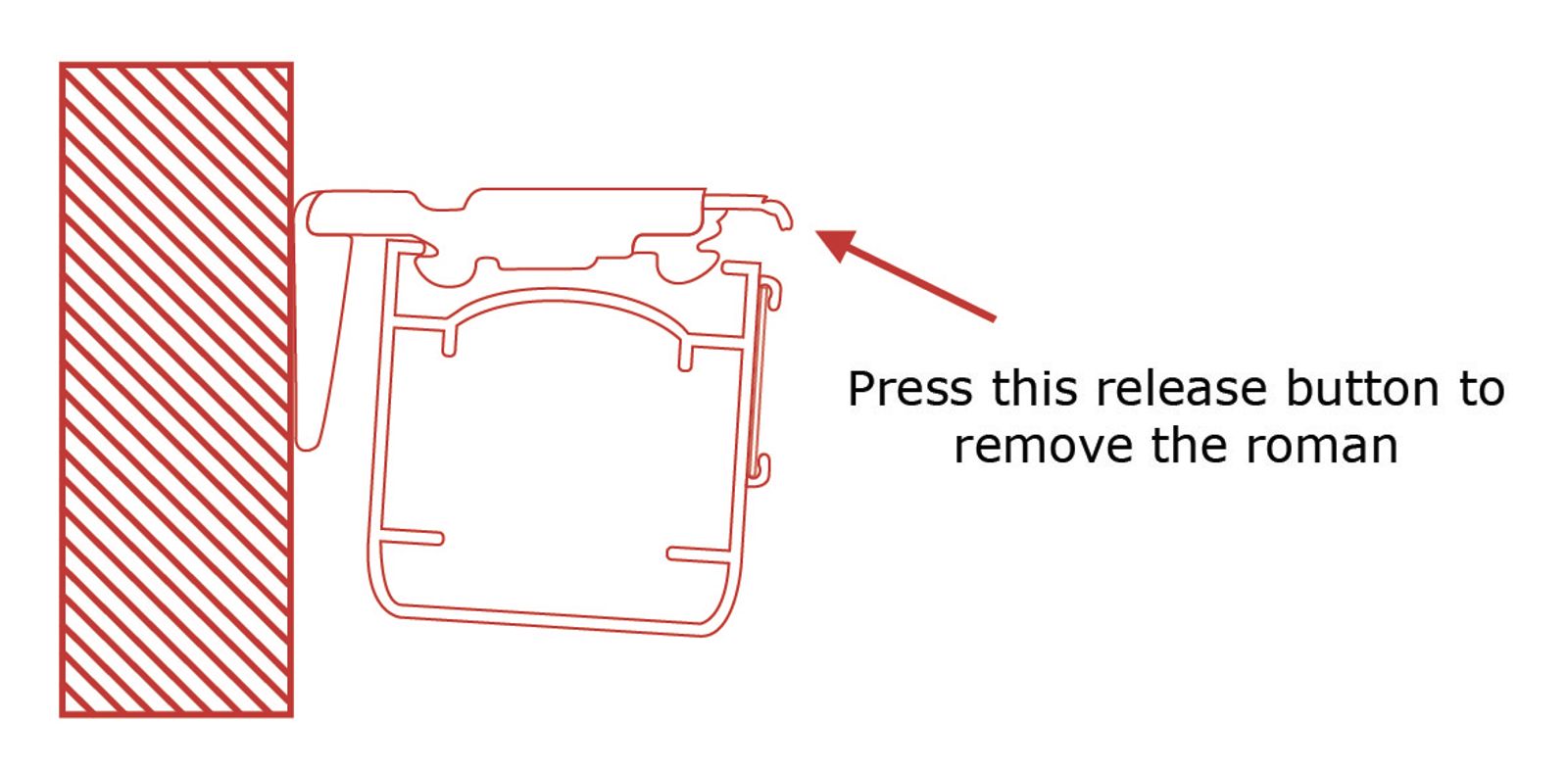
Position the back edge of the track into the back hooks of the bracket and gently push upwards and the track will “snap” into position.
4. Operating the Blind
To operate the blind, raise and lower using the chain control. You must operate the chain, to raise the roman, in the reverse direction used to lower the roman. This will ensure the chain does not become entangled.
Note: A Roman Blind way appear short in its drop on initial installation, however over a short period of time, the fabric will settle and sit at the correct drop length. Environmental conditions can also impact the settling process.
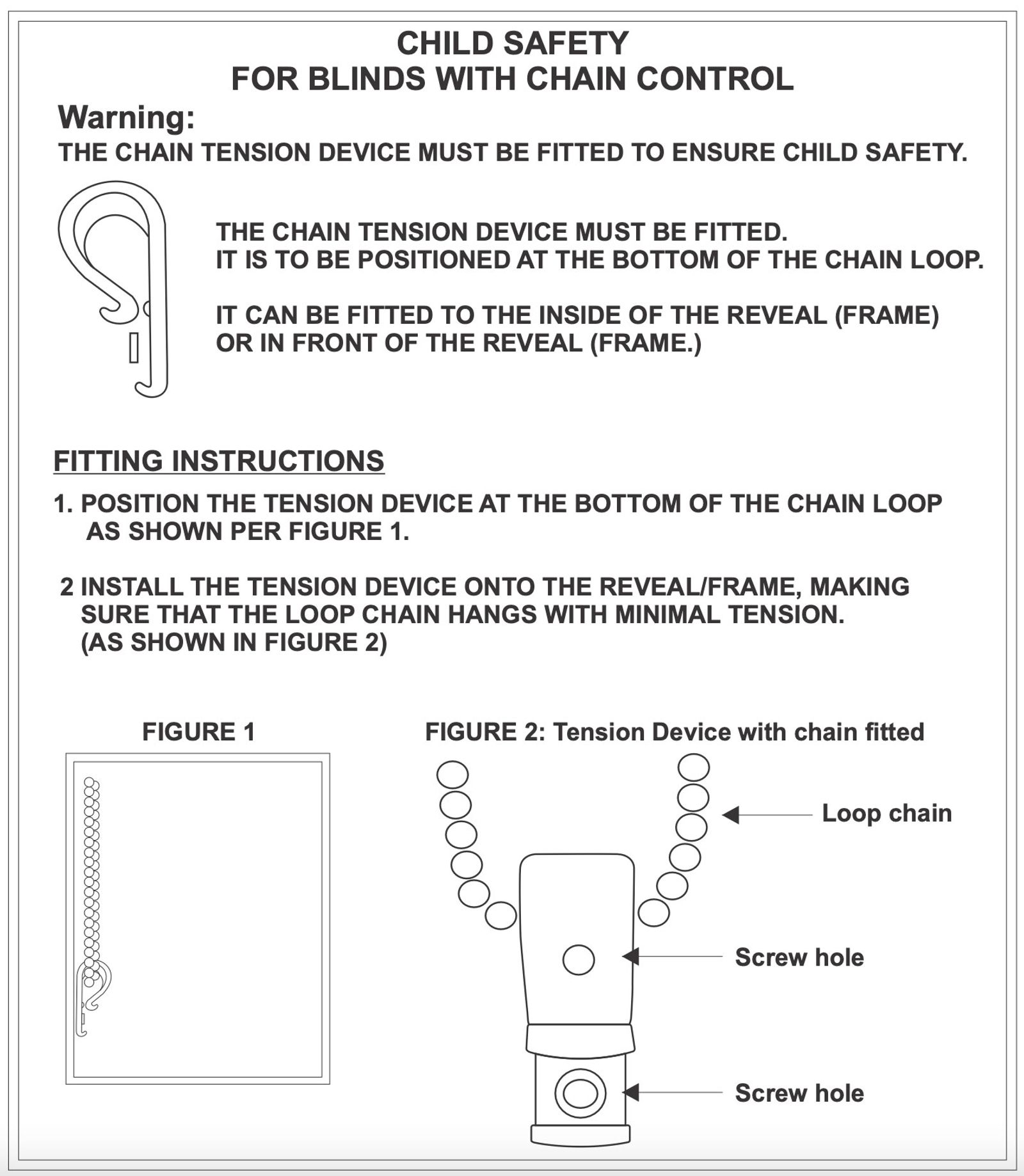
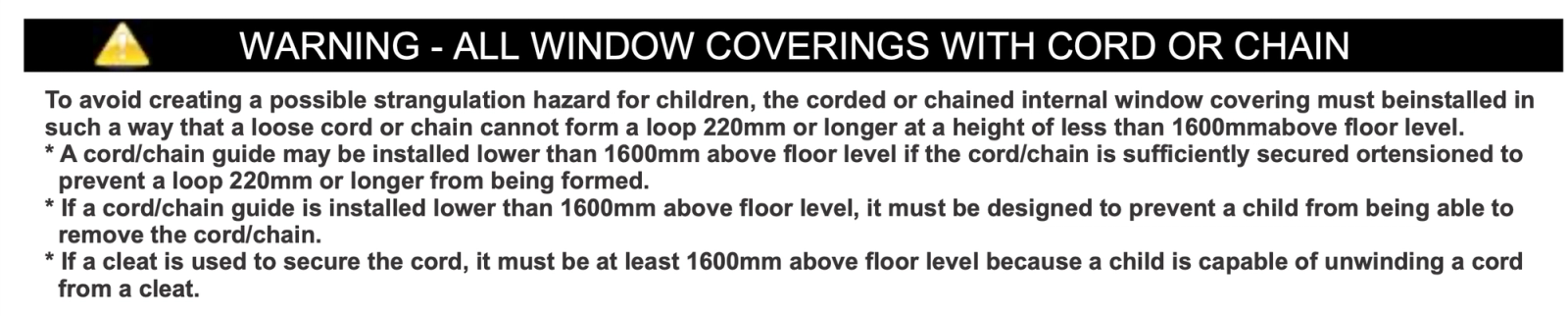
6. Attach the child safety device
Secure the child safety device to the wall beside the blind, ensuring the chain is not too tight, as this may restrict smooth operation.
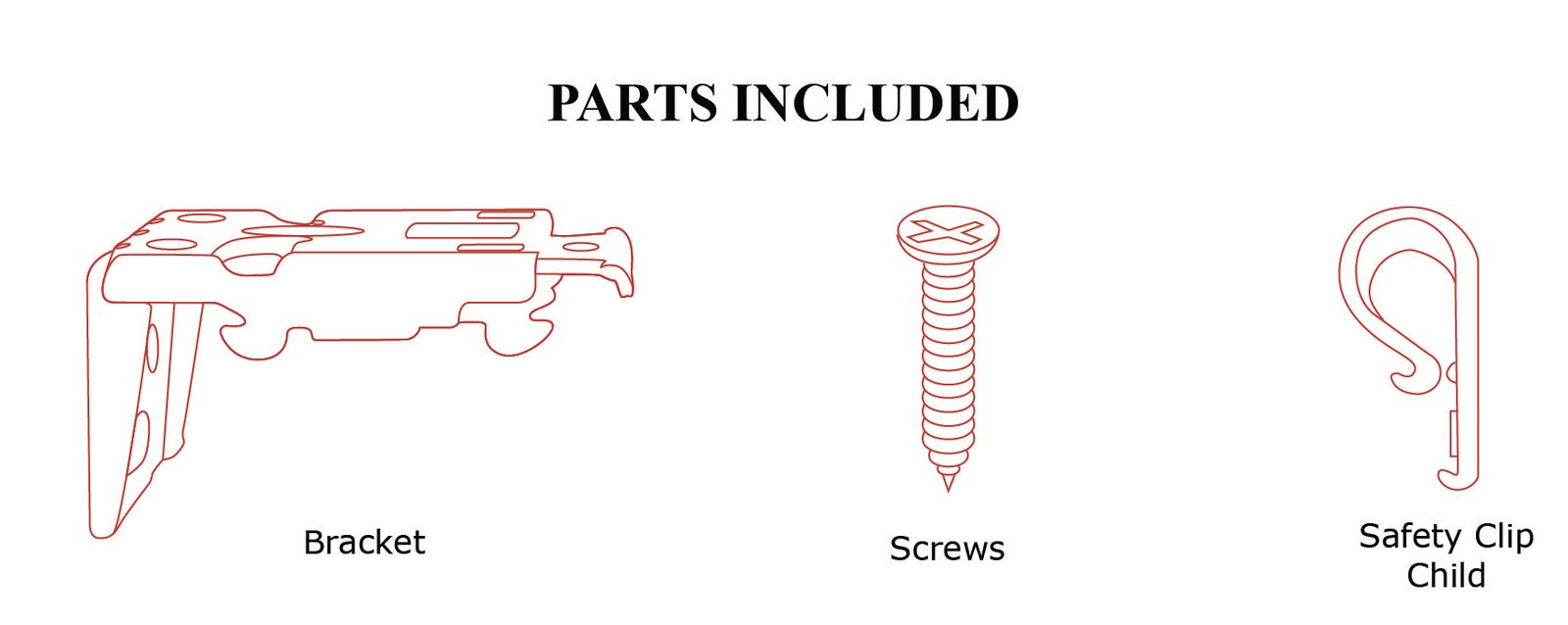
Please check that all parts have been supplied before you begin to assemble your new Roman Blind.
The finished blind size is: (i) OUTSIDE Mount: as per size ordered. (ii) INSIDE Mount: width less 10mm, drop less 20mm
Ensure that the blind is mounted level for correct operation.
Still need help?
Our team is happy to walk you through anything — give us a call or send a message.